Flock Mailcast
UI/UX

Overview
Flock is an online collaboration and messaging platform that solves workplace communication needs. Flock has a powerful suite of business collaboration tools which enhance user productivity.
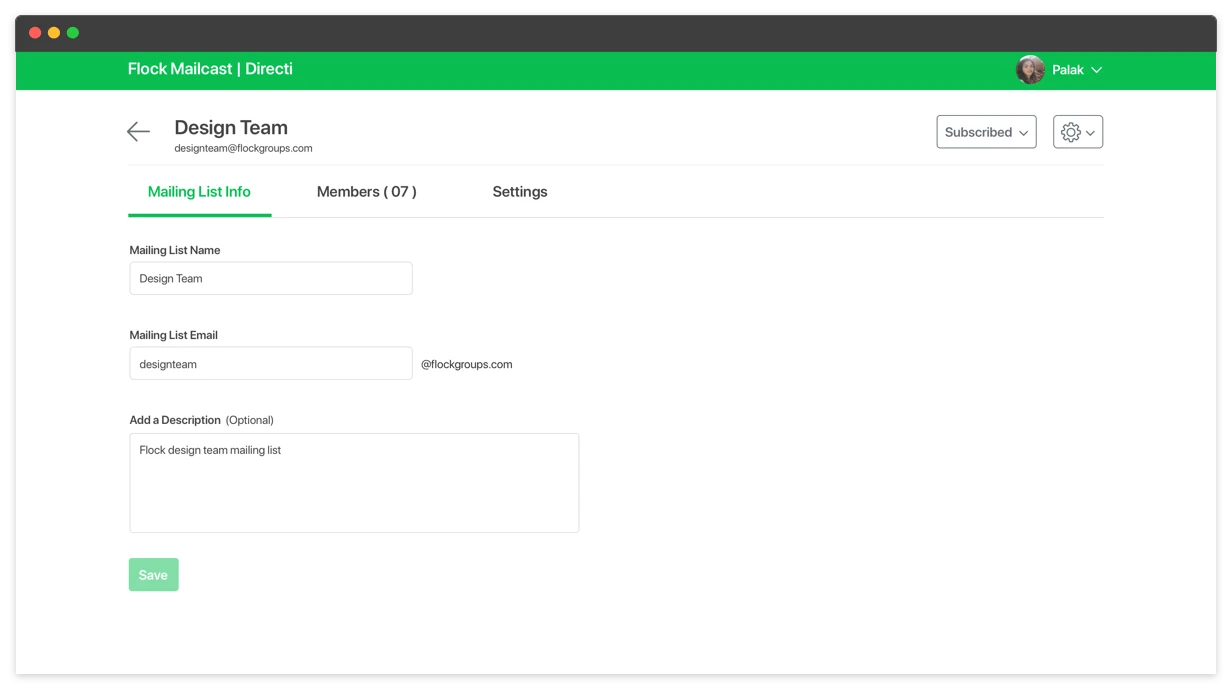
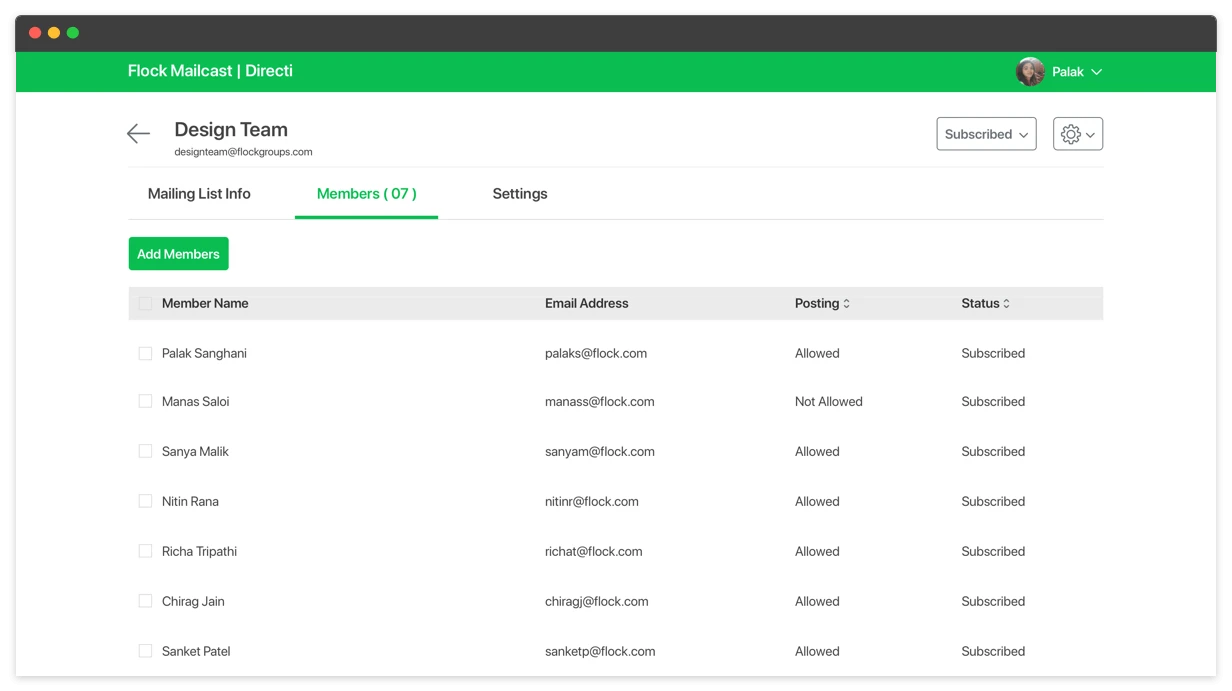
Mailcast provides mailing list functionality within Flock channels. It enables users to easily send important memos or project update emails with just a click, without having to remember and type numerous email addresses. For every channel, you’re given a unique email address to reach out to every participant of the group via mail. From creating your own mailing list to managing them, you can do much more with Mailcast.
Role & responsibility
My role spanned research, flow conceptualization, visual design and developer handoff.

Problem
Because chats are instant and casual, email remains popular for essential communication and forms an important part of any organization. Without Mailcast, the user journey of creating a mailing list was long. The creator had to collect the email addresses of all channel members, save title & description for mailing list, communicate appropriately about the mailing list.
| Chats | Mails |
|---|---|
| Limited to a single platform. No cross platform exchange. | Can work across different platforms. Easy cross platform exchange. |
| Preferable for communication within the organization. | Preferable for people external to the organization. |
| Used for casual communication. Decays easily. | Used for formal communication. Stays searchable for reference. |
User interviews
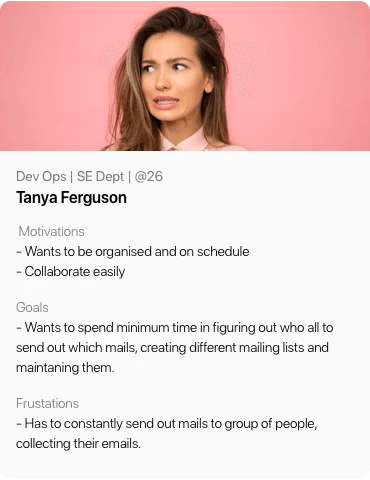
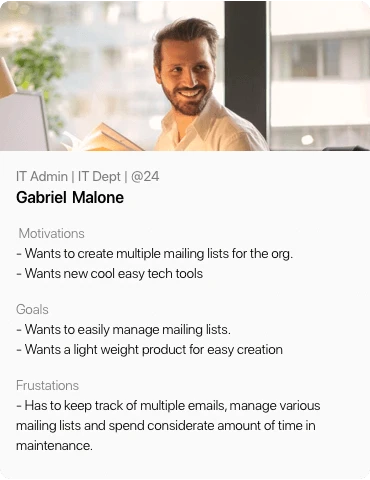
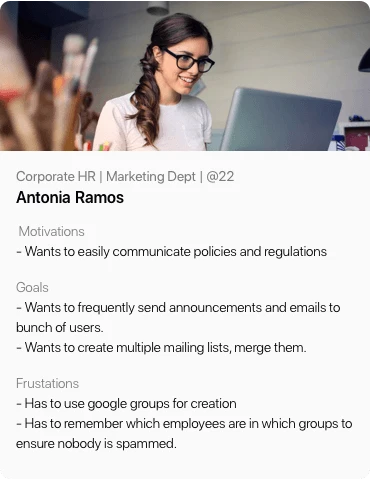
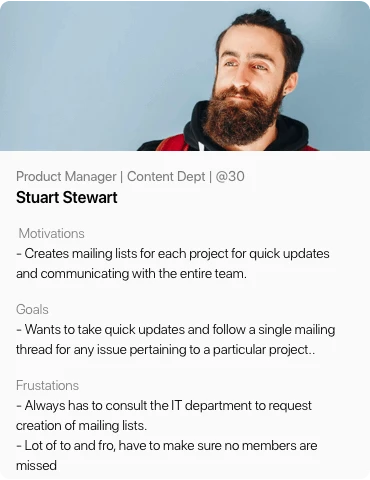
In order to empathize with the users we started by talking to them, understanding how they communicate with team members and gathered their pain points.
User stories
After understanding their actions, feelings, pain points and desired outcomes we went ahead to write the user stories
1. When HR wants to send out announcements to a specific group of people, has to go through the painful process of selecting everyone’s email addresses and making a mailing list.
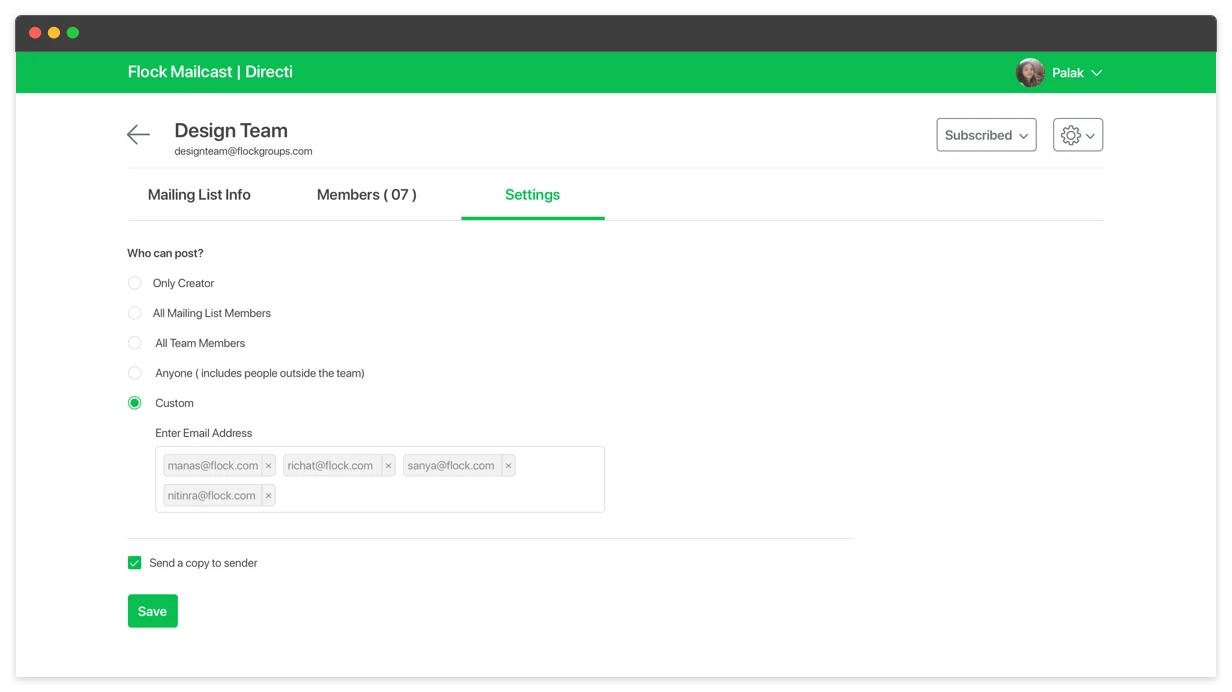
2. When an IT admin has to manage mailing lists for different people, has to spend a lot of time in the custom settings and making sure every member has adequate rights.
Proposed models
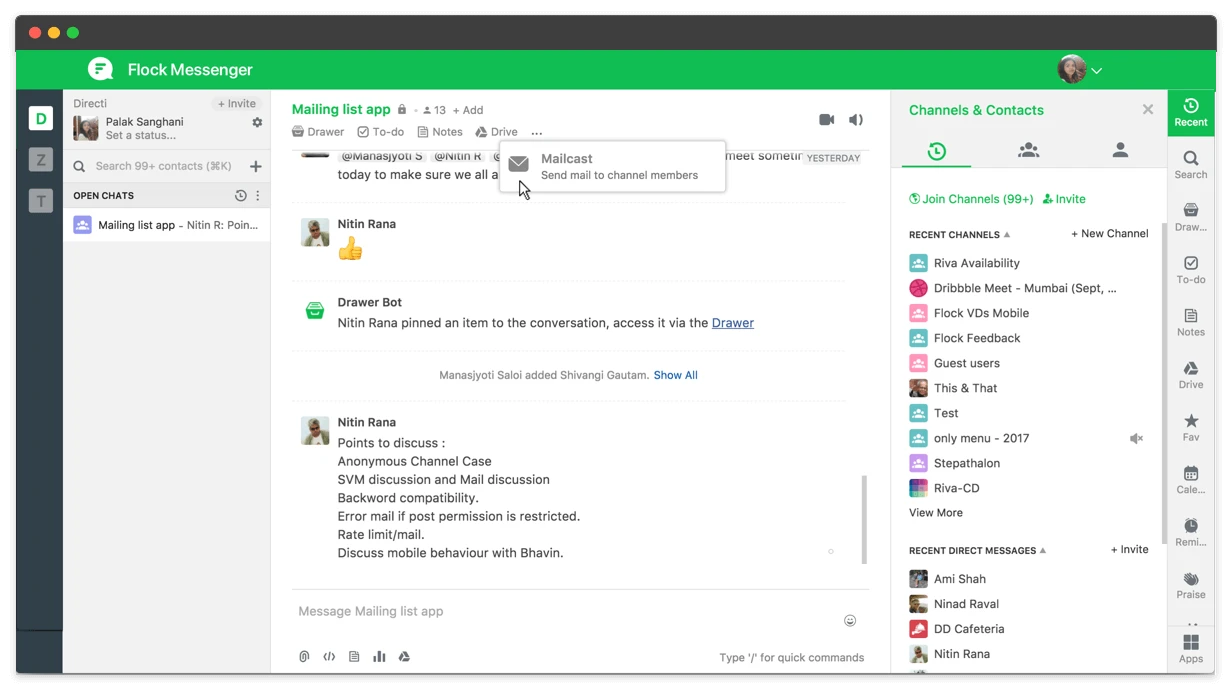
We decided to go ahead with a full-fledged interface to cater to the requirements, accommodate all features including admin controls and added a hook from the messenger through the chat tab buttons
Goal
Allowing users to manually create mailing lists, allow editing existing mailing lists, subscribe/unsubscribe to custom mailing lists, admin controls, allowing guest members to be part of mailing lists


Wireframing
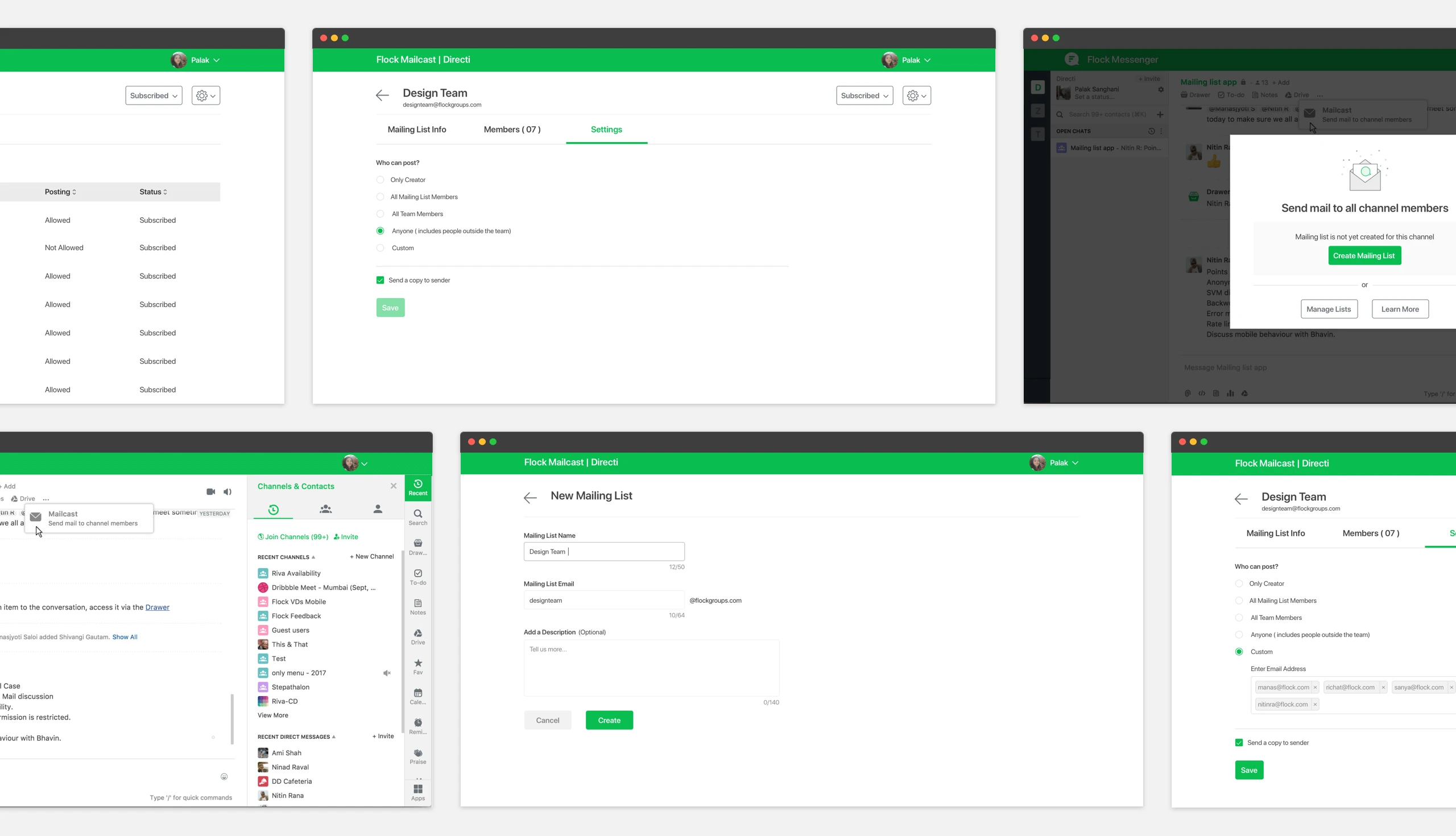
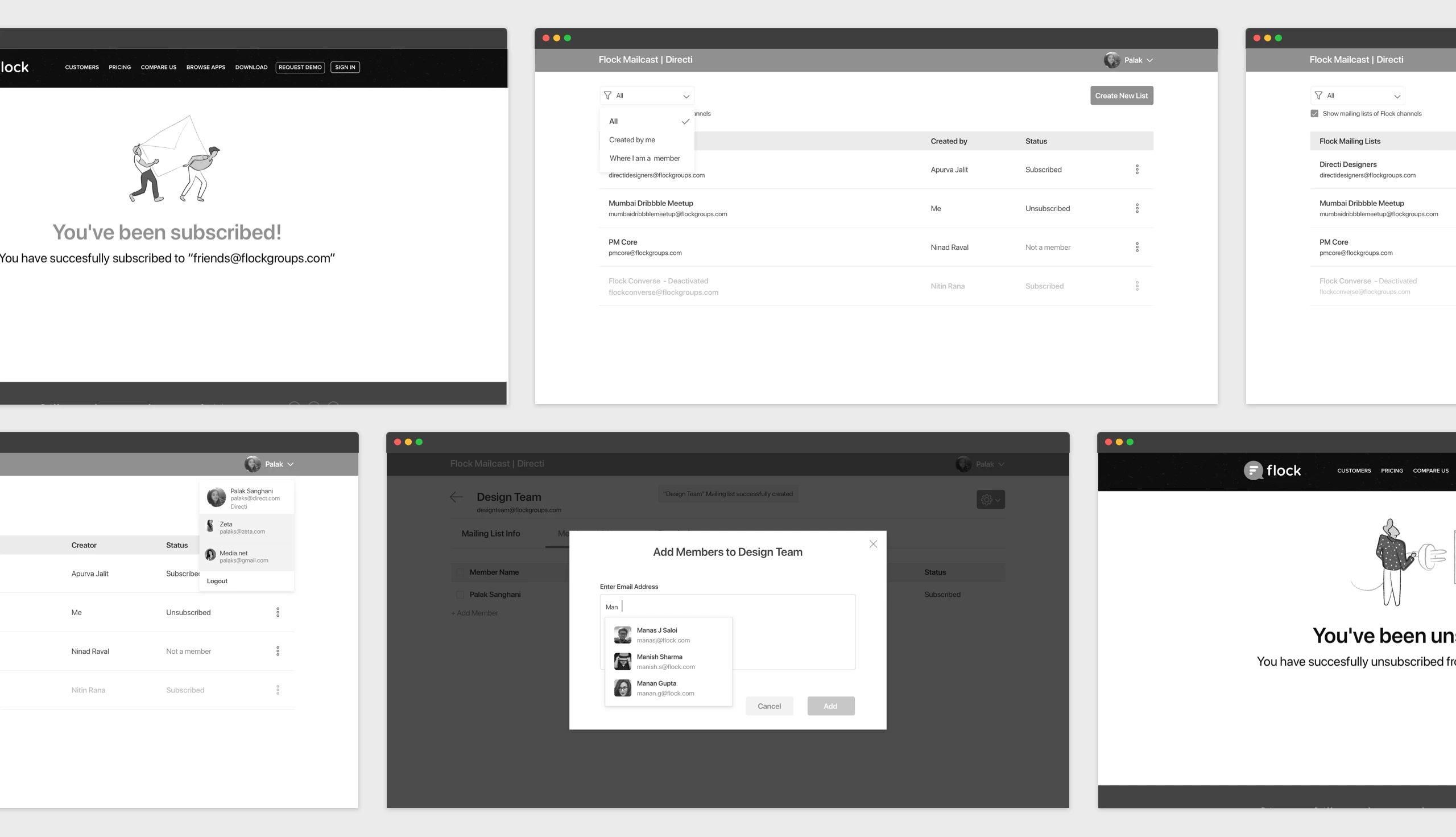
High fidelity wireframes were made to resolve the existing problems.
1. Mailcast was pre-installed to integrate mailing list functionality into Flock.
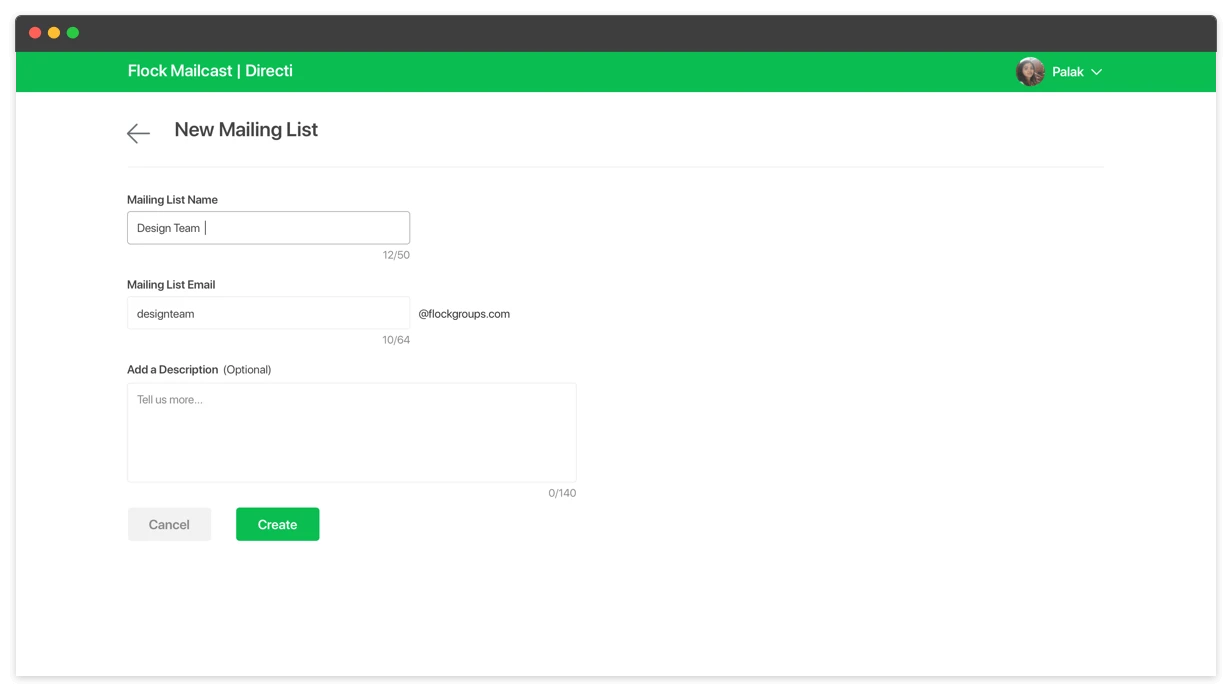
2. Creating a mailing list was as simple as adding a name and description. Users could add people from their team. Creator automatically subscribed to it.
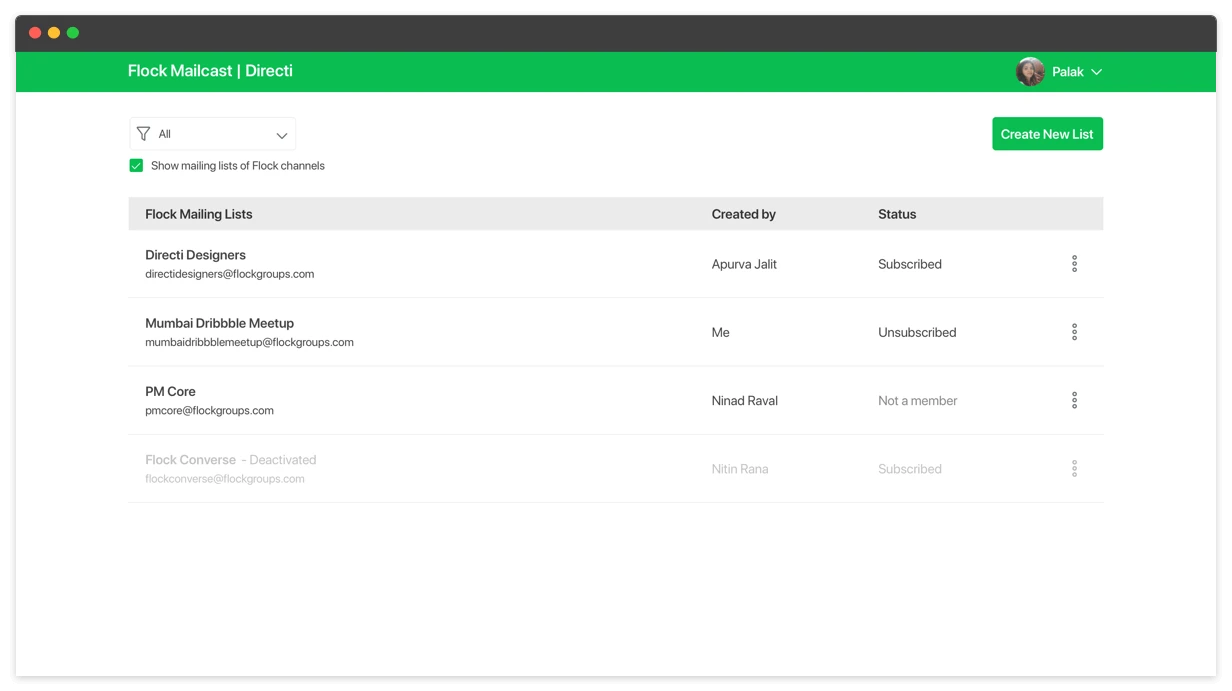
3. Admins could edit, delete and deactivate mailing lists created by them.
4. Users could unsubscribe from any mailing list - if they didn’t want to receive emails about a project they’re no longer a part of.
User testing
To validate the use cases and the improvements, we conducted multiple rounds of usability tests to understand the problem areas of our solution and get user feedback.
Visual design
Deriving from the usability test, peer reviews we made the UI design